
Call us now :08037734044
 Send Inquiry
 Send Inquiry
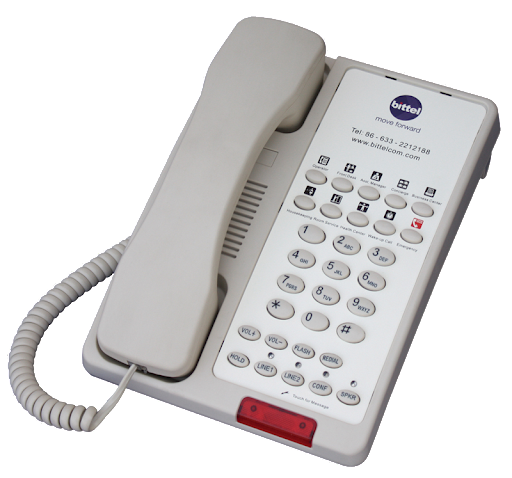
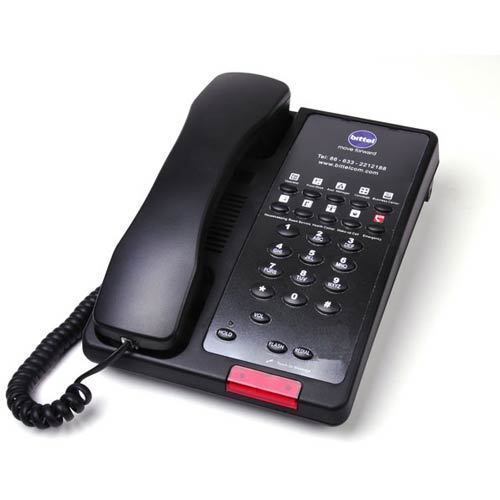
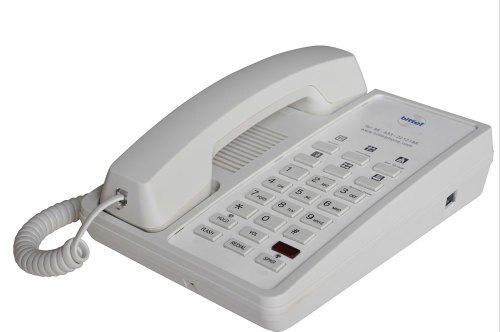
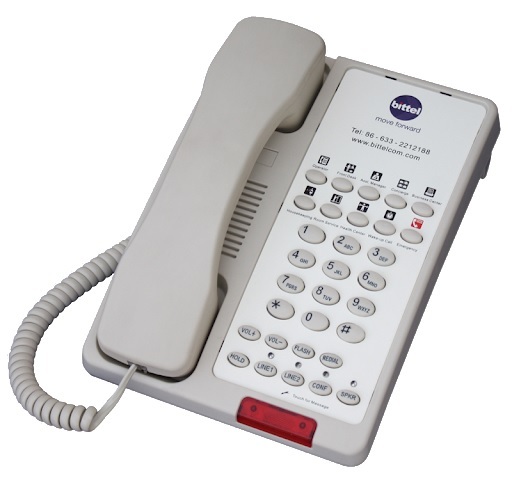
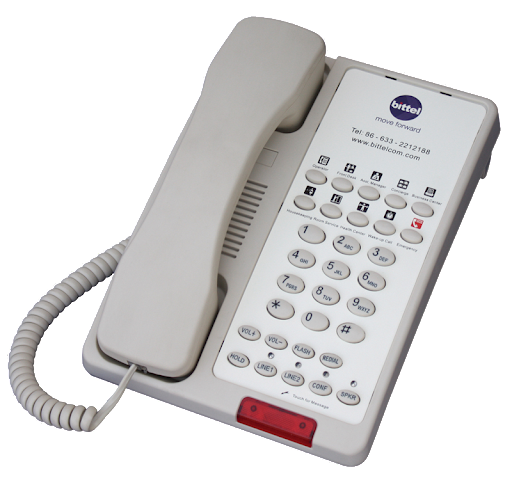
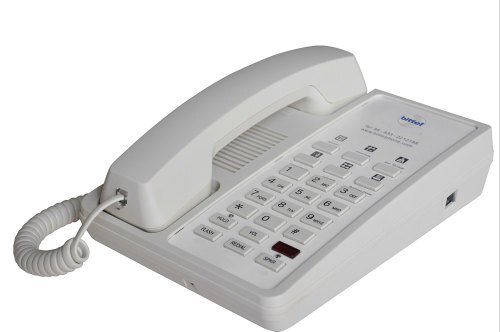
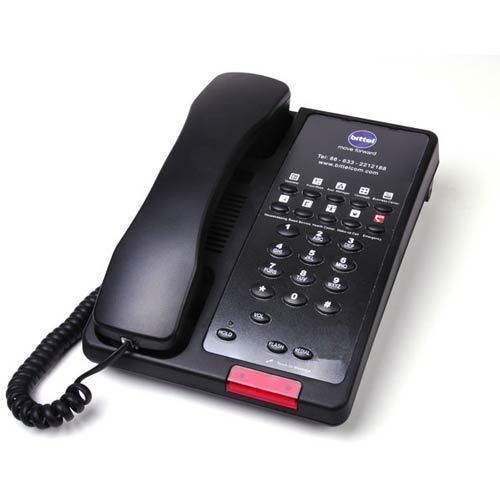
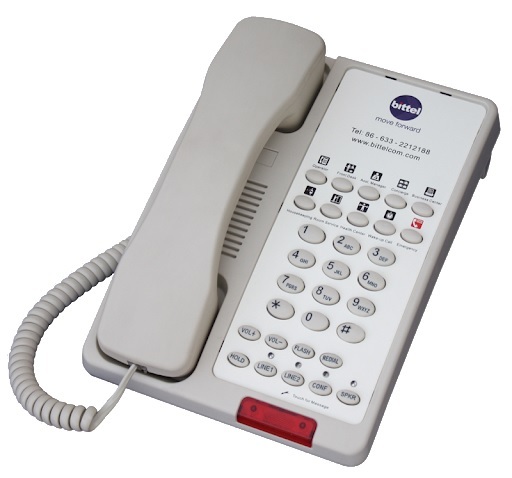
Hotel Room Telephones with Message Waiting Indicator and Voicemail Integration
Price 3000 INR/ Piece
MOQ : 1 Piece
Hotel Room Telephones with Message Waiting Indicator and Voicemail Integration Specification
- Usage & Applications
- Hotel
- Type
- Hotel Phone
- Material
- Plastic
- Caller ID
- Yes
- Button Type
- Keypad
- Caller Transfer
- Yes
- Color
- Off White
Hotel Room Telephones with Message Waiting Indicator and Voicemail Integration Trade Information
- Minimum Order Quantity
- 1 Piece
- Payment Terms
- Cash on Delivery (COD), Cash Advance (CA)
- Supply Ability
- 1000 Pieces Per Month
- Delivery Time
- 7 Days
- Sample Available
- Yes
- Sample Policy
- Sample costs shipping and taxes has to be paid by the buyer
- Main Export Market(s)
- Asia, Australia, Central America, North America, South America, Eastern Europe, Western Europe, Middle East, Africa
- Main Domestic Market
- All India, East India, Jharkhand, Arunachal Pradesh, Central India, Assam, Delhi, Gujarat, North India, Mizoram, Tripura, Daman and Diu, Maharashtra, Lakshadweep, Haryana, Pondicherry, Karnataka, Chandigarh, Goa, Nagaland, Bihar, Sikkim, Manipur, Rajasthan, Andhra Pradesh, Odisha, Himachal Pradesh, Uttarakhand, West India, Kerala, Uttar Pradesh, Andaman and Nicobar Islands, Telangana, Jammu and Kashmir, West Bengal, Meghalaya, South India, Dadra and Nagar Haveli, Chhattisgarh, Punjab, Madhya Pradesh, Tamil Nadu
About Hotel Room Telephones with Message Waiting Indicator and Voicemail Integration
Hospitality telephones are telephones designed specifically for use in hotels and other lodging establishments. They typically have a base unit with a handset and a coiled cord, designed to be durable and easy to clean.
Here are some features you might find on a hospitality telephone:
Buttons for dialing numbers
Buttons for frequently used numbers like the front desk, housekeeping, or room service (often programmable by the hotel)
A message waiting light
Speakerphone functionality
An alarm clock
In some hotels, the phone might also be used to control other room features like the thermostat or lighting.
Hospitality phones can be analog or digital (VoIP).
Analog phones use a traditional phone line while VoIP phones use the hotel internet connection to make calls.
Model Name/Number : 1 2 TSd D
Brand : Bittel
Color : Black / White
Usage/Application : Hotel
Connectivity Type : Wired
Material : ABS
Average Transmission Power : 4mW
Out Power : 22 dBm
Receiver Sensitivity : -91 dBm
NTP Power : 20 +4/ -2 dBm
Talk on Current : 4050 mA (PP)
Charge Current : 140150 mA (PP)
Operating Temperature : -10 C 40 C
Operating Humidity : 10% 95%
1. How do I make a call to another room?
To call another room, simply dial the room number directly. If this does not work, please contact the front desk for assistance.
2. How do I contact the front desk?
Press the button labeled "Front Desk on your phone. If your phone does not have this button, dial "0" for assistance.
3. How do I make an external call?
To make an external call:
- For local calls, dial 9 followed by the local number.
- For long-distance calls, dial 9, then 1, followed by the area code and number.
- International calls may require a different prefix; please contact the front desk for the specific dialing instructions and charges.
4. How do I receive a call?
When your phone rings, simply pick up the handset or press the "Speaker button to answer.
5. How do I use the voicemail?
To access your voicemail:
- Press the "Voicemail button on your phone.
- Follow the voice prompts to listen to messages, save, or delete them.If you need assistance setting up or accessing your voicemail, contact the front desk.
6. How do I request a wake-up call?
To request a wake-up call:
- Press the button labeled "Wake-Up Call or dial the front desk (0).
- Provide your room number and the time you wish to be woken up.
7. How do I contact housekeeping?
Press the button labeled "Housekeeping on your phone. If your phone does not have this button, dial the front desk (0) and request to be connected to housekeeping.
8. What should I do in case of an emergency?
In case of an emergency, press the button labeled "Emergency or dial the emergency number provided by the hotel. This number is typically 911 or a direct line to hotel security.
9. How do I set up a conference call?
For conference call setup, please contact the front desk or the hotels business center for assistance. They will provide instructions or help you set up the call.
10. What do I do if my phone is not working?
If your phone is not working, please:
- Check if it is properly connected to the wall jack.
- Ensure the handset is securely placed on the base.
- If the issue persists, contact the front desk for assistance.
11. Are there charges for using the telephone?
Local and toll-free calls are usually complimentary. Long-distance and international calls may incur charges. Please refer to the hotels rate card or contact the front desk for detailed information on call charges.
12. How do I use the speakerphone feature?
To use the speakerphone:
- Press the "Speaker button to activate the speakerphone.
- To end the call, press the "Speaker button again or hang up the handset.
Advanced Features for Seamless Guest Experience
Equipped with a message waiting indicator, integrated voicemail, and caller ID, this hotel room telephone prioritizes guest convenience. Guests can easily access missed messages and hotel staff can efficiently manage room-to-room and external calls, enhancing the overall guest experience.
Reliable Build and Functional Design
Manufactured using durable plastic and finished in an off white color, the telephone blends seamlessly with most hotel interiors. The intuitive keypad and clear display simplify in-room communications, ensuring comfort and ease for users.
FAQ's of Hotel Room Telephones with Message Waiting Indicator and Voicemail Integration:
Q: How does the message waiting indicator function on this hotel phone?
A: The message waiting indicator lights up when there is a new voicemail message, allowing guests or hotel staff to easily see if they have missed any calls or messages. This feature ensures prompt message retrieval and efficient communication within the hotel.Q: What are the benefits of voicemail integration in hotel room telephones?
A: Voicemail integration allows guests and staff to leave and retrieve voice messages conveniently, even when direct calls are missed. This boosts responsiveness and ensures important information is not lost, creating a more professional and efficient guest service experience.Q: When should a hotel consider upgrading to telephones with caller ID and caller transfer?
A: Hotels should consider this upgrade when they seek to improve guest experience by offering advanced communication options, or when aiming to streamline internal management through efficient caller identification and seamless call transfer between departments or rooms.Q: Where can these telephones be used or purchased in India?
A: These hotel room telephones are available for use in hospitality settings throughout India and can be sourced from various distributors, exporters, importers, manufacturers, suppliers, and traders within the country.Q: What is the process for setting up voicemail and caller ID on this hotel phone?
A: Setup typically involves configuring the phone system's settings according to the hotel's network and requirements. Follow the manufacturer's installation guide or seek technical support to ensure voicemail boxes and caller ID features are correctly programmed for each room.Q: How does the caller transfer function aid hotel operations?
A: Caller transfer enables immediate redirection of calls between rooms or departments, facilitating efficient communication and quick resolution of guest requests or internal matters, thus enhancing overall hotel service quality.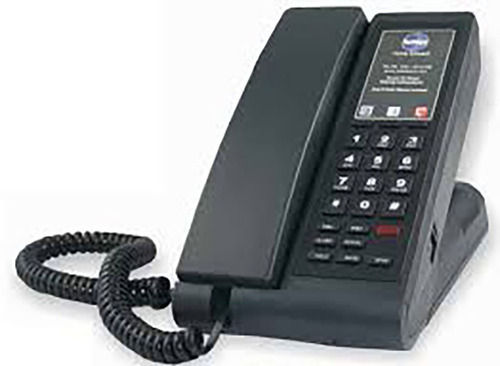
Tell us about your requirement

Price:
Quantity
Select Unit
- 50
- 100
- 200
- 250
- 500
- 1000+
Additional detail
Mobile number
Email

More Products in Hotel Telephone Category
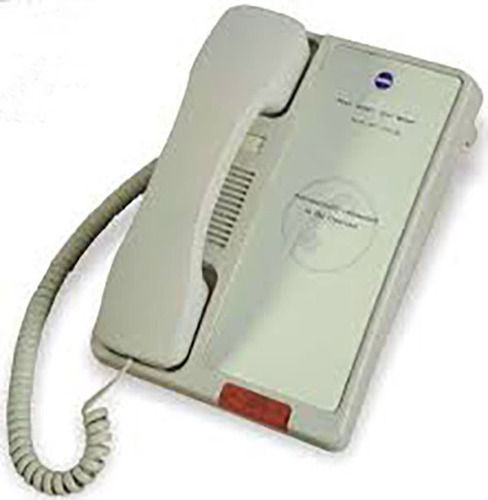
Bittel Hotel 38 TSD Emergency and Lobby Phone
Price 1800 INR
Minimum Order Quantity : 1 Piece
Material : ABS Plastic
Color : Black
Use : Other, Hotel Emergency and Lobby
Caller ID : No

32 TSD Bittel Customizable Keys Hospitality Phone
Price 2300.00 INR / Piece
Minimum Order Quantity : 6 Pieces
Material : ABS
Color : Black / White
Use : Hotel
Caller ID : Other, FSK & DTMF
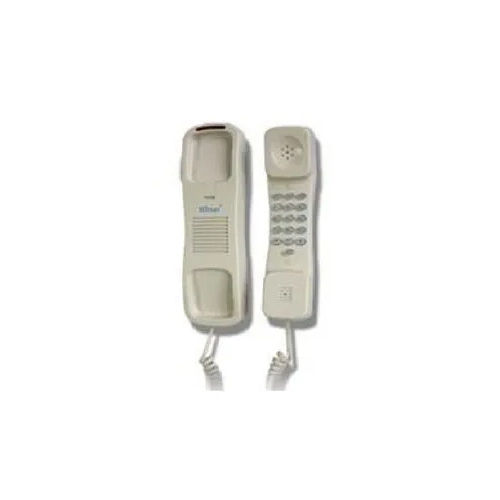
41 T18 Hotel Bittel Bathroom Telephone
Price 1290 INR / Piece
Minimum Order Quantity : 12 Pieces
Material : Plastic
Color : White
Use : Other, Hotel Bathroom
Caller ID : Other, Not Supported
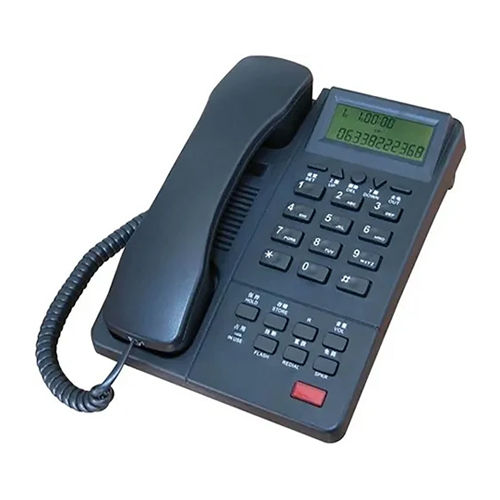
Caller ID Telephone
Price 215000.0 INR / Piece
Minimum Order Quantity : 1 Piece
Material : Plastic
Color : Black
Use : Hotel
Caller ID : Other, FSK & DTMF

We deals only in bulk orders.

 Send Inquiry
Our Products
- Bakery Ovens
- RFID Door Locks
- Hotel Telephone
- Glassware Products
- Ocean Glasses
- Hotel Room Amenities
- Electric Kettles
- Tray Sets
- Hair Dryers
- Magnifying Mirror
- Shirt Hangers
- Luggage Racks
- Bath Mat
- Room Dustbin
- Minibar Freezer
- House Keeping Products
- Housekeeping Trolly
- Ash Bin
- Hand Dryer
- Luggage Cart
- Bar Item
- Kitchen Cutlery
- Kitchen Crockery
- Milamine Crockery
- Porcelain Crockery
- Bakery Ware
- Cutleries
- Bar Equipments
- Commercial Kitchen Equipment
- Kitchen Utensil
- Kettle Tray Set
- Wooden Hanger
- Tea Kettle
- Electronic Door Lock
- Melamine Tray
- Fast Food Equipment
- Electric Equipment
- Soap Dispenser
- Safe Locker
- Wooden Display Stands
- Key Card Switch
- Luggage Trolley
- Ironing Board
- Mini Bar
- Linen Trolley
- Anti Skid Mat
- Touch Doorbell
- Automatic Hand Dryer
- Display Counter
- Shoe Shine Machine
- Food Warmer
- Mop Wringer Trolley
- Brass Utensil
- Ceramic Crockery


D 308-309, Shanti Shopping Center, Near Railway Station, Mira Road East,Mira Bhayandar - 401107, Maharashtra, India

Mr Bikash Verma
(Director)
Mobile :08037734044
 Send Inquiry
 Send SMS
Developed and Managed by Infocom Network Private Limited.


